Preview, X-Ray, and Design Health
The material preview answers, “What might this look like?” X-Ray answers, “How is it built?” Design Health answers, “Where is production risk concentrated?”
Use all three before export. What Is a Stitch Compiler? explains the mathematics behind the proof.
Read the material preview
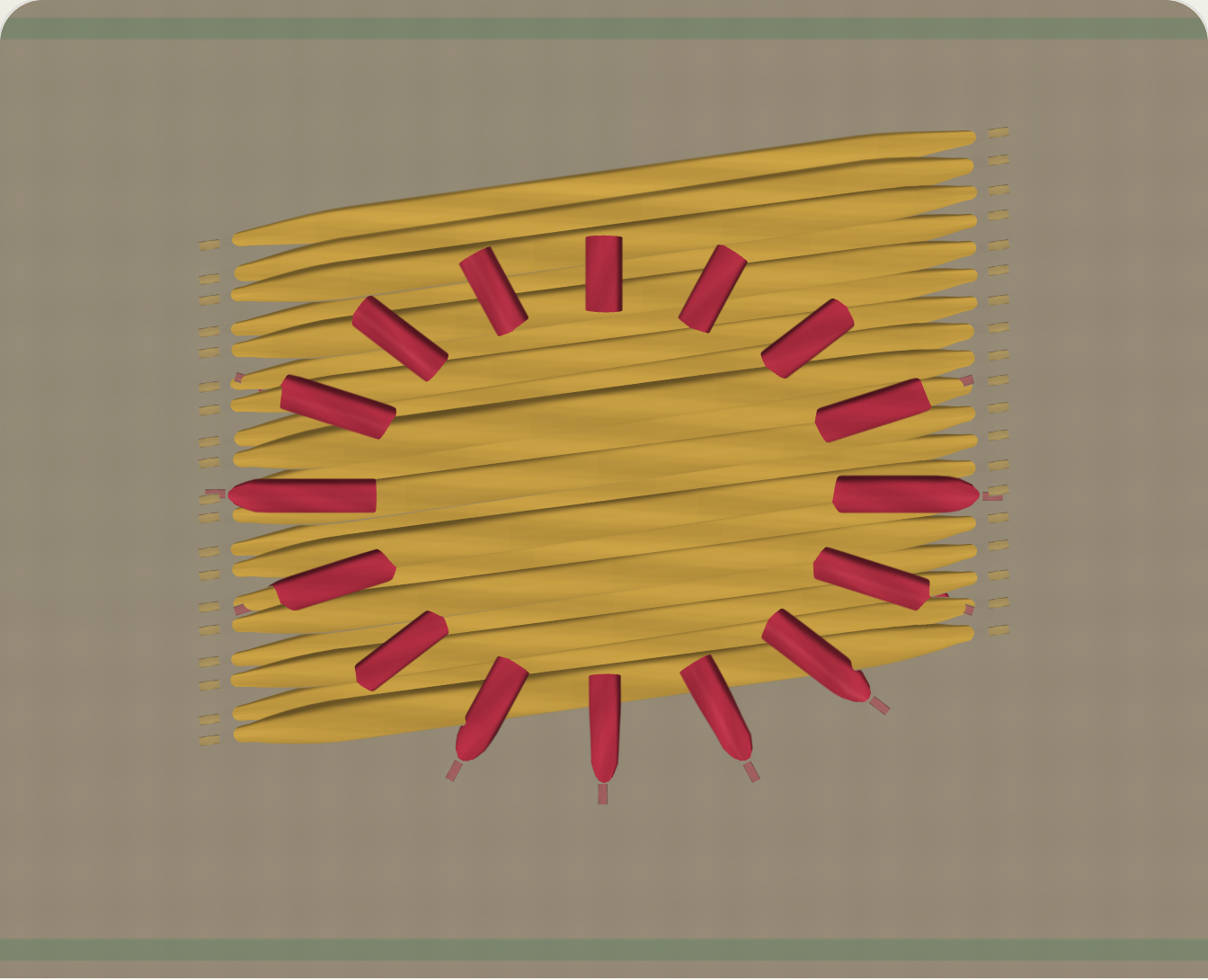
The renderer shows thread width, direction, crossing order, contact, fabric color, and directional sheen. It helps you judge hierarchy and texture without reducing the design to colored lines.
A renderer image is still a simulation. This example shows dense fill and radial line contacts; it is not a photograph of a sewn sample.
Inspect construction with X-Ray
X-Ray reveals the structure that material shading hides:
- density and penetration heatmaps;
- underlay;
- travel paths;
- trims, jumps, and tie stitches;
- stitch direction;
- compensation boundaries;
- text and reconstruction facts;
- warning regions.
A proof can look smooth while the X-Ray view exposes crowded corners, uncovered gaps, long floats, or travel across open fabric.
Follow Design Health to the evidence
Design Health checks hoop fit, safe area, density, pull risk, small detail, satin width, text size, jump length, sew order, trims, stops, thread changes, stitch count, and export compatibility.
Each warning names the risk, reports the measured fact, and points to the responsible object or stitch range. For example:
This fill is dense for lightweight knit. Increase spacing or change stabilizer.This jump crosses open fabric. Add a trim or change sequence.This text is 4.2 mm tall. Satin lettering is risky at this size.This imported block was resized as stitches. Density changed.
Open the warning before accepting a fix. The same measurement can have different consequences on felt, jersey, towel, and free-standing lace.
Preview a fix before committing it
A guided fix is an ordinary project edit:
warning -> proposed edit -> before/after proof -> commit -> compile
A density fix changes fill settings. A lettering fix changes text or its stitch treatment. A travel fix changes route or sequence. A direct command-range fix belongs to a manual stitch block.
Large or destructive fixes show the before/after difference and the objects they affect. Undo returns the project to its earlier source state.
Confirm on fabric
Use the intended fabric, stabilizer, needle, thread, tension, hooping, and machine settings for the test. Record the sample against the project version that produced it. The physical result can then improve the next proof instead of becoming an isolated anecdote.